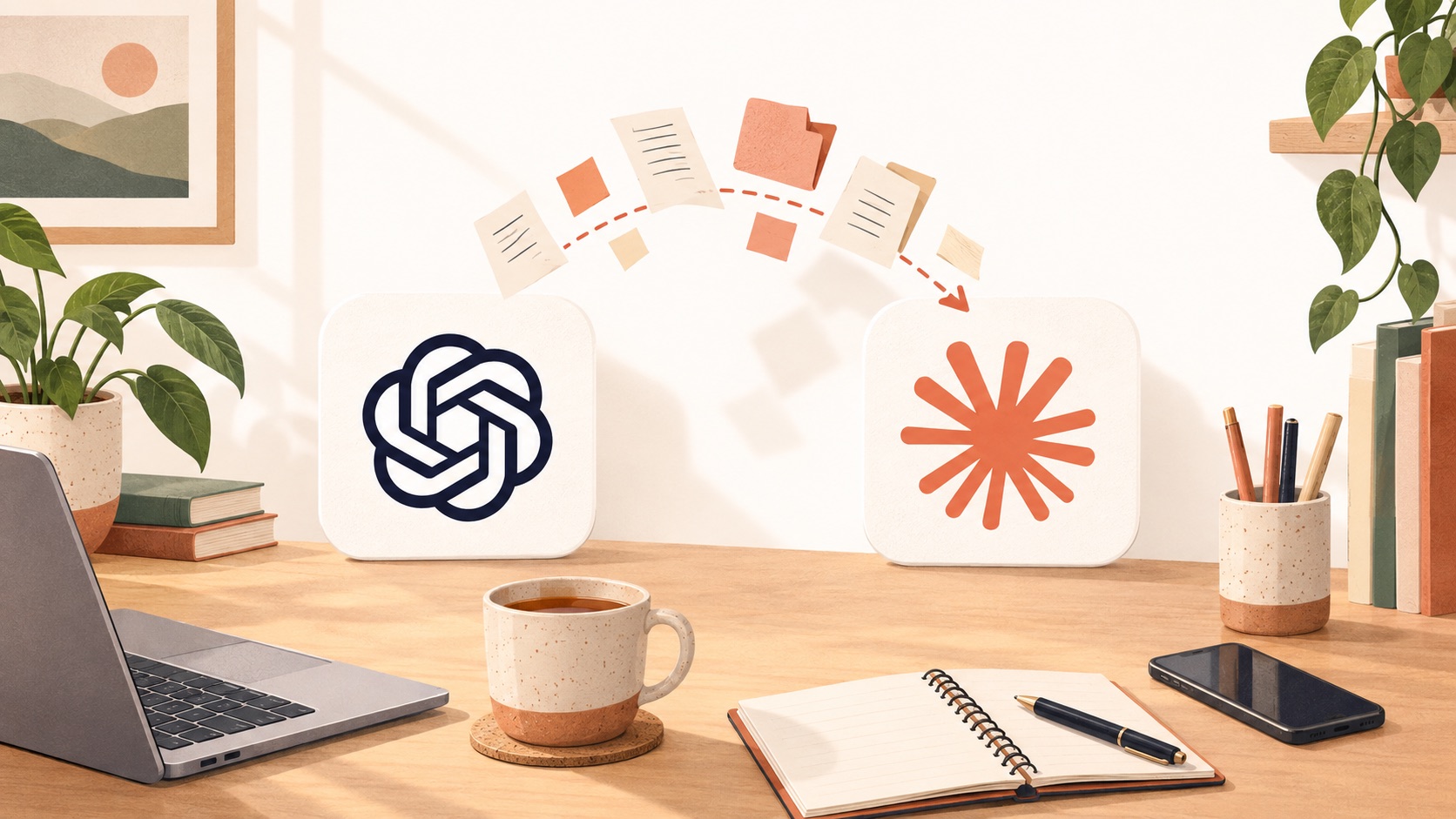
A lot of business owners have quietly made ChatGPT part of the team. It started with the inbox. Then proposals, the numbers, contracts, HR. For some it has been the difference between treading water and growing again.
Then they hear Claude is better at the serious work, open it up, and face a blank box that knows nothing about them. Ask AI for a migration plan and you get pages and pages of steps.
So here is the short version: what I'd tell any UK owner who leans on ChatGPT and wants Claude in the mix.
At a glance
- Most of what ChatGPT knows about you can move to Claude in an afternoon.
- Memory, custom instructions and projects carry over. Scheduled tasks and connectors get rebuilt.
- You don't have to choose. Most owners end up running both.
- The real prize is what Claude can do that a chat window can't: work with your files, plug into your systems, and build you tools.
Why add Claude if ChatGPT is already working?
Because they are good at different things. Claude is stronger on long documents, careful writing and anything where it needs to work across your actual files. With Claude Cowork and Claude Code it goes further: it can connect to your business systems and build you real tools, like a live dashboard of your sales.
ChatGPT is still handy for voice, images and a quick question on your phone. Nobody is asking you to give it up.
What moves across from ChatGPT to Claude?
More than you'd think.
Memory. Claude can import what ChatGPT has learned about you. You ask ChatGPT to write out everything it remembers, and hand that to Claude.
Custom instructions. These copy over almost word for word. It's worth tidying them as you go, because most people wrote theirs a year ago and never looked again.
Projects. A ChatGPT project maps neatly onto a Claude project: the same background documents, the same standing instructions. Think of it as the briefing pack you'd give a new hire on day one.
What do you have to rebuild?
Scheduled tasks. If ChatGPT sends you a morning summary or a weekly report, that routine needs setting up again on the Claude side. It is quick once you know where things live.
Connectors. Claude plugs into your email, calendar, files and business tools through connectors. You sign in to each one once. Your ChatGPT connections don't transfer, but the list of what to connect does.
Should you switch completely, or run both?
Run both, at least for a while. Putting the same question to each and comparing the answers is a smart habit, with one catch: the comparison only means something if both are working from the same facts.
So give them one source of truth. A single private place that holds the key facts about your business, your tone of voice, your prices and your priorities, which both assistants read from. Update it once and both get smarter.
What can Claude do that a chat window can't?
This is the part most ChatGPT users haven't seen yet.
Point Claude at the raw data from your sales or accounts system and ask the question the built-in reports never quite answer. Why is this month down on last year? Which lines have quietly dropped off? Have it build you a simple dashboard that answers that every morning.
Bundle the jobs you do every week into your own skills, so "draft the quote" or "prep the monthly numbers" is one request, done your way, every time.
None of this needs you to become a developer. It does help to have someone show you the first time.
When is it worth getting help?
If you enjoy tinkering and have a free fortnight, you can do all of this yourself. If you'd rather spend that fortnight running your business, get someone to sit beside you.
That is what my Private AI Bootcamp is: private, one to one, in your office. First you show me how the business really runs and how you use ChatGPT today. Then we move you across, connect Claude to your systems and build your first tools together. You drive your own machine and I guide you, so you learn by doing. You keep everything, and it comes with a money-back guarantee.
Find out more about the Private AI Bootcamp, or book a FREE 20-minute intro chat and tell me how you use ChatGPT today. I'll tell you honestly whether it's the right fit.